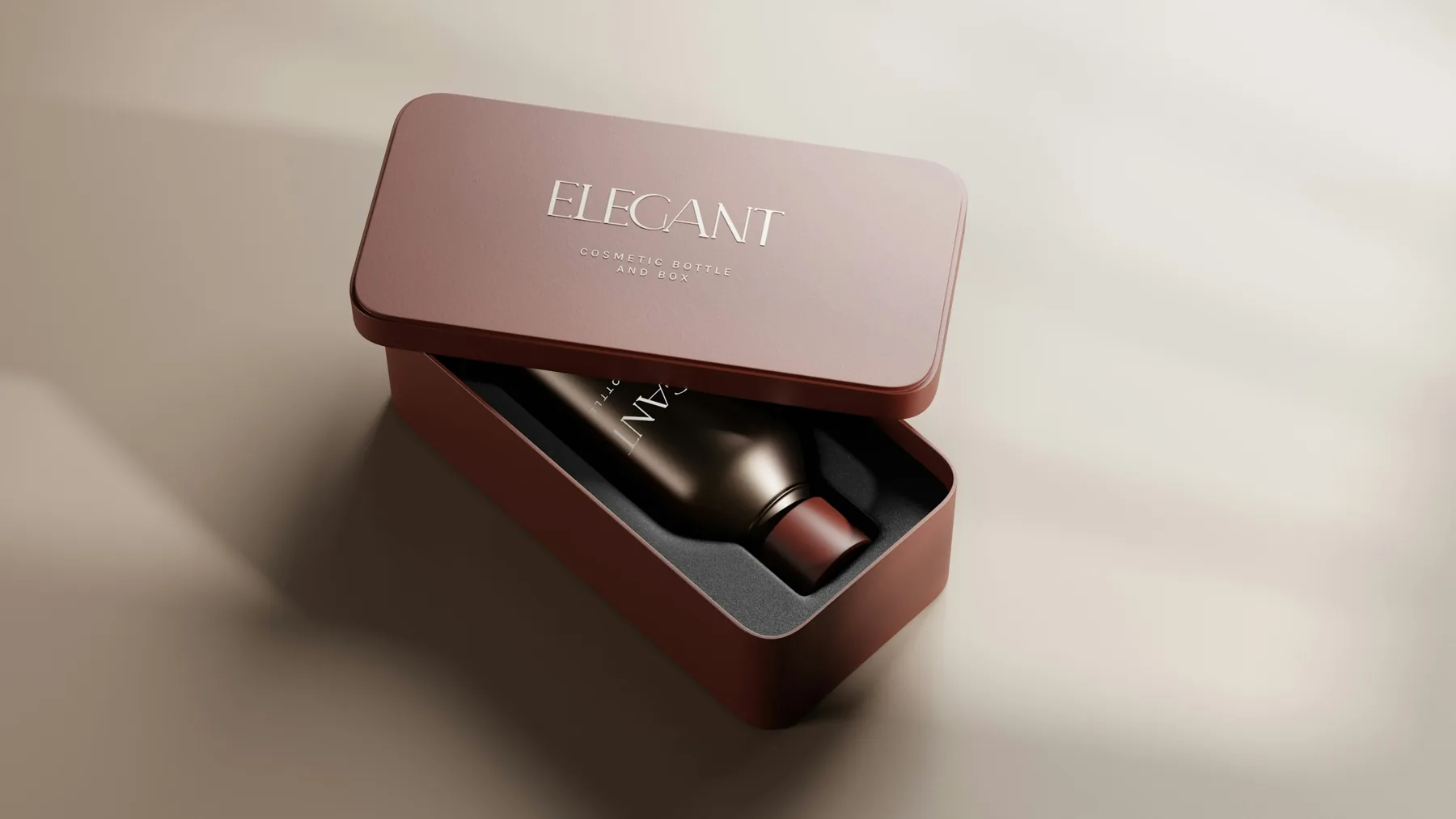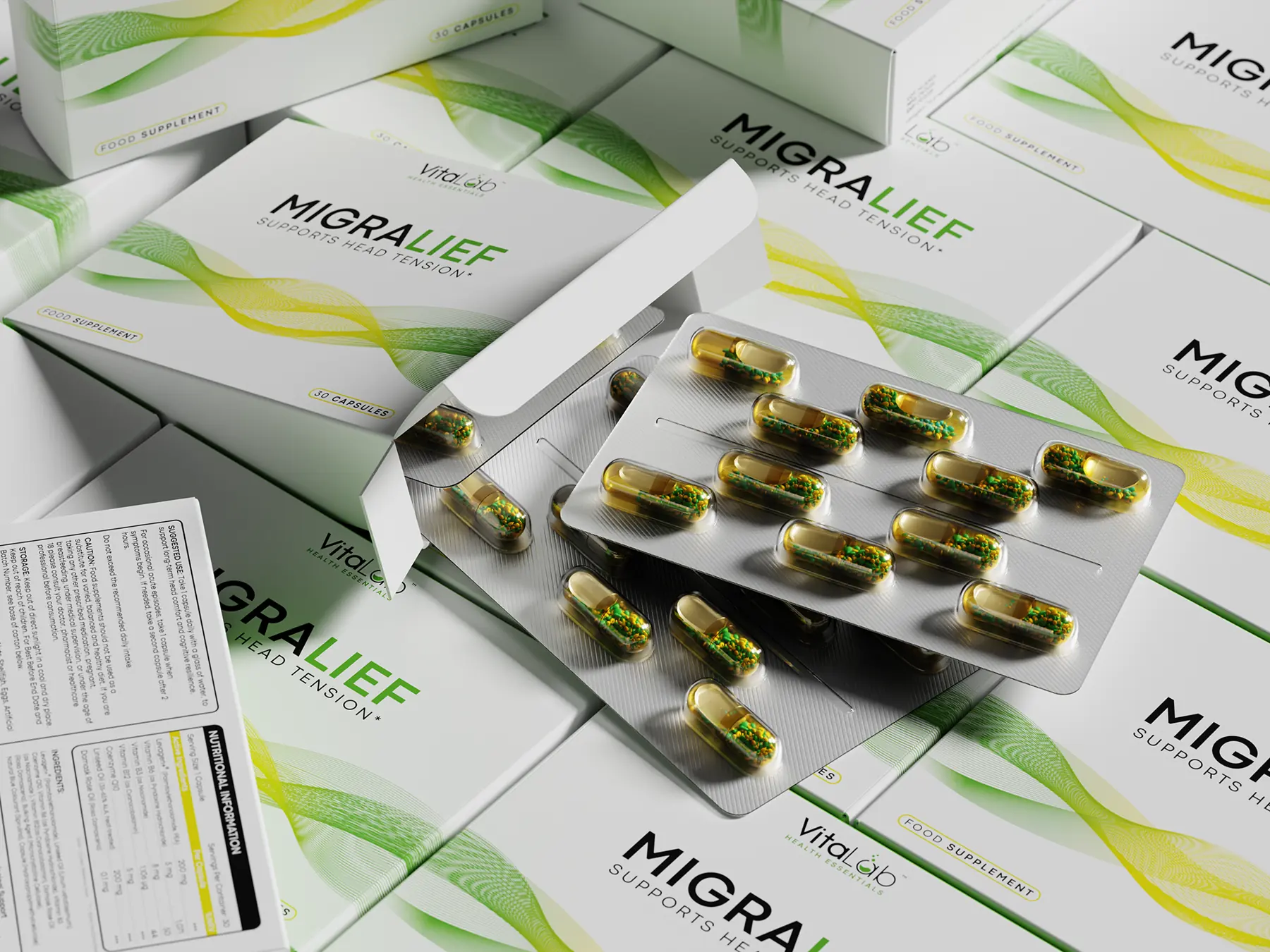
Type “premium supplement packaging” into an AI image tool and you’ll get a polished looking bottle in seconds. It’s a fair question for any brand: do you still need a packaging designer?
The short answer is yes, but for different reasons than a few years ago. AI is good at showing what a pack could look like. It is not good at making a pack that can actually be printed, filled, sold and approved.
Where AI genuinely helps
Used early in a project, AI tools save real time. They are useful for:
- Research: gathering references, scanning how a category looks, and spotting what competitors have in common.
- Moodboards: exploring colors, textures, photography styles and overall moods before committing to a direction.
- Early concept ideas: quick, rough visual explorations that help a team react and talk about what they like.
- Talking points: giving a founder something visual to point at when the brief is still forming.
This is exactly how we use AI at Selvanes: for research, moodboards and early concept ideas. It helps us explore more directions at the start. The design itself, the artwork, the dielines and the print files are made by our designers.
Where AI falls short
An AI image is a picture of packaging, not packaging. The gaps show up as soon as a project moves toward print.
1. It doesn’t work on your real dieline
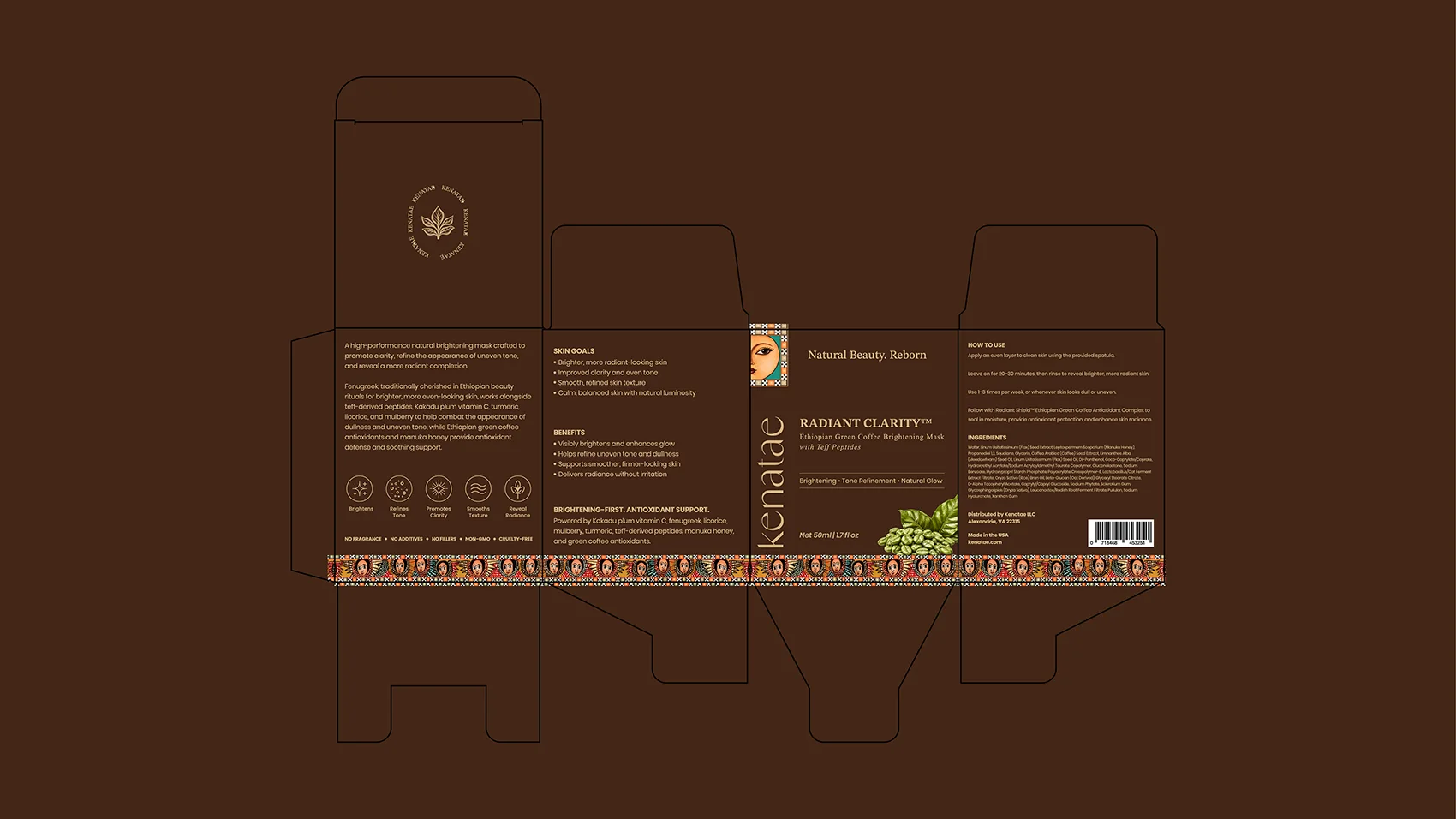
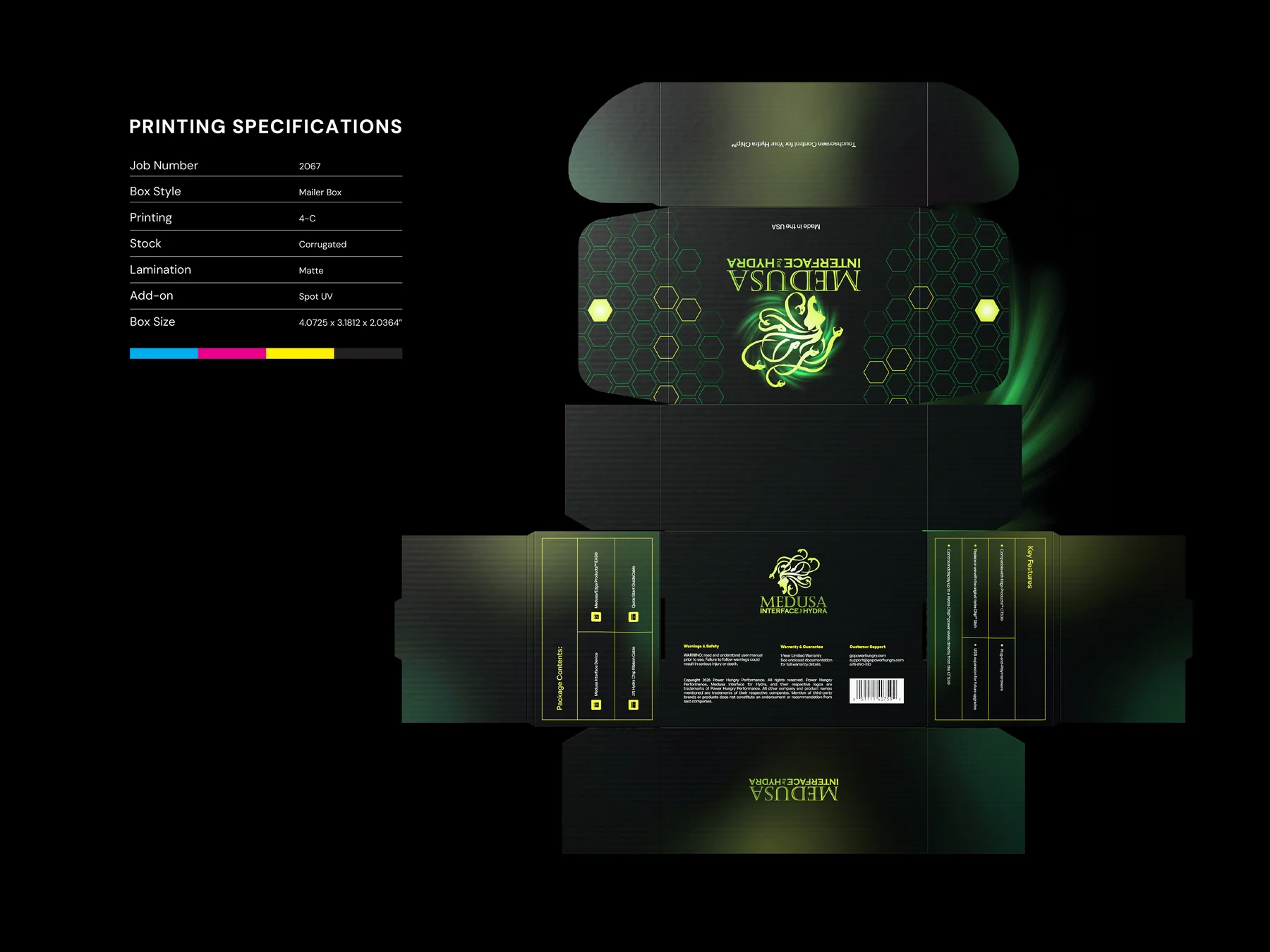
Every pack prints on a specific template: your bottle supplier’s label size or your printer’s carton dieline, with folds, glue flaps and safe areas. An AI image doesn’t know any of that. A design that looks right as a picture often can’t be placed onto the real shape without starting over.
2. Text and small print still break
AI tools have improved at rendering words, but small type, ingredient lists and numbers are still where they slip: misspelled words, invented characters or numbers that don’t add up. On a supplement or cosmetic label, the small print is exactly the part that has to be right.
3. Regulatory panels need real content
A Supplement Facts panel, an ingredient list, warnings and net quantity have to use your approved text, in a specific format and at a readable size. AI can imitate the look of a facts panel, but it can’t check that anything in it is correct. That work starts from your formulation and your regulatory advisor, then gets laid out by a designer.
4. It can’t produce print ready files
Printers need files built to their specifications: bleed, safe areas, the right color setup, spot colors, barcodes that scan, and separate layers for finishes like foil or spot UV. An AI image is a flat picture with none of that, so someone still has to rebuild the design properly before it can go to press.
That is what print ready packaging files are for.
5. A range needs a system, not one image
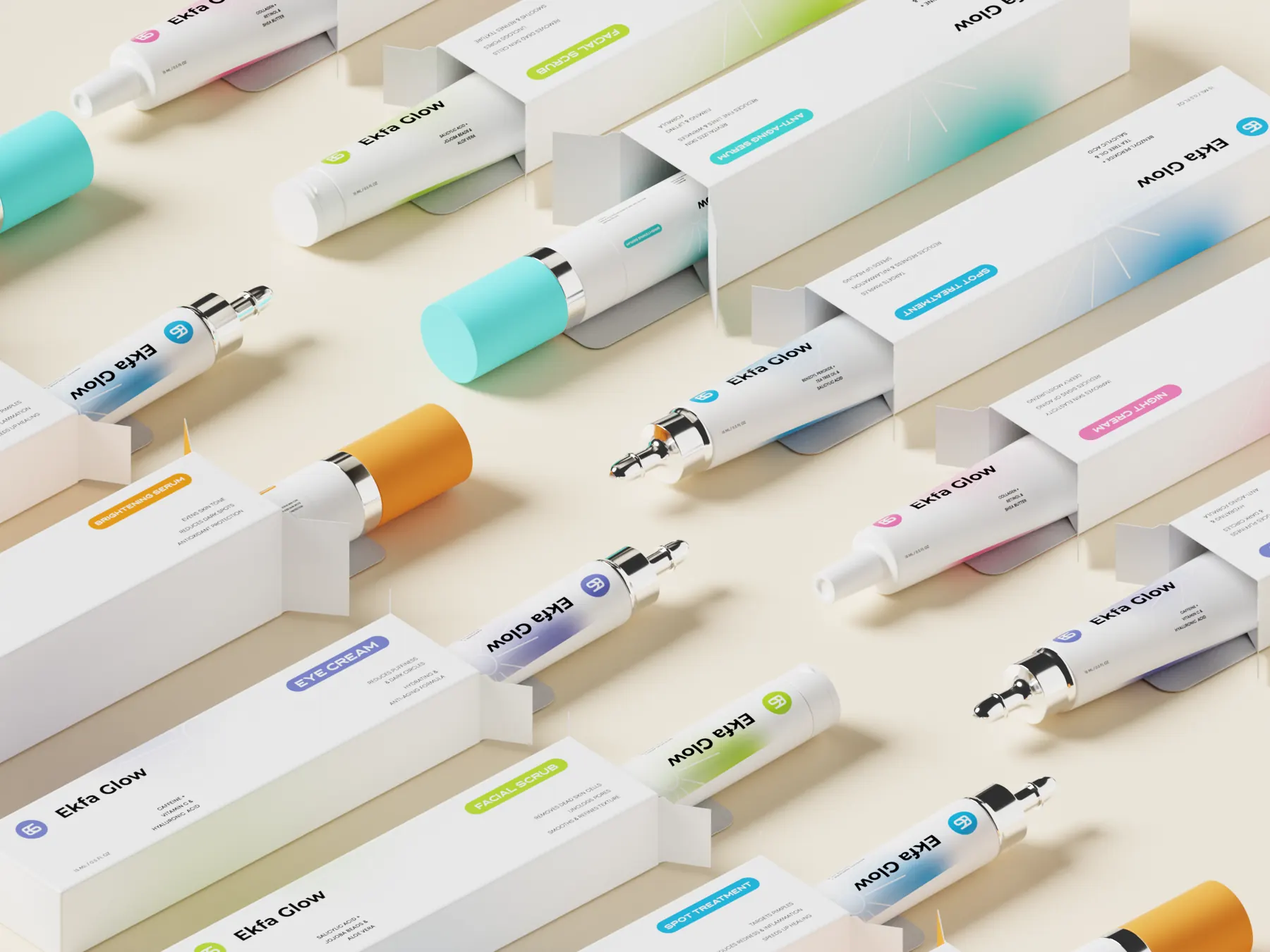
Most brands launch more than one product. Each AI image is generated on its own, so the logo position, type and spacing drift from one result to the next. A range needs fixed rules that every SKU follows, so new products slot in without redesigning the line.
6. Ownership is less clear
If your packaging artwork is a key part of your brand, ownership matters. In the US, the Copyright Office has said that material generated entirely by AI, without meaningful human authorship, can’t be registered for copyright. Rules differ by country and are still developing, so check with a legal advisor before building a brand on purely AI generated artwork.
This is design guidance, not legal advice. Check copyright and ownership with your advisor before you use AI output in a commercial pack.
How to use AI well on a packaging project
- Use it to explore, not to finish. Bring AI moodboards or rough ideas to your designer as references, the same way you’d share packs you admire.
- Never send an AI image straight to print. Have it rebuilt on your real dieline with real, approved text.
- Check every word and number on the final artwork yourself, especially on supplement and cosmetic labels.
- Keep your brand rules in one place: logo, colors, type and layout, so every new product follows them.
AI makes the start of a project faster. Getting a pack that prints right, reads right and sells still takes design, production knowledge and a careful eye. That’s the part we focus on.